
Get Started
Your digital presence,all in one place.
Connect Better gives you a public page for your contact details, social links, digital showcase, and more. Open instantly via link, QR code, or a tap on the Signature Cuff. No app necessary.
<2 mins to setup. No credit card required.

How it works
From sign-up to sharing in 3 steps
- 01
Create your account
Enter your email at connectbetter.pro/login. One-time sign-in link — no password.
- 02
Set up your profile
Pick your username, add photo and links. Guided setup takes about 2 minutes.
- 03
Share it
Copy your link or save your QR. Add a Signature Cuff for one-tap NFC sharing.
Onboarding walkthrough
Six steps to a complete profile
Under 2 minutes. Edit any step later.
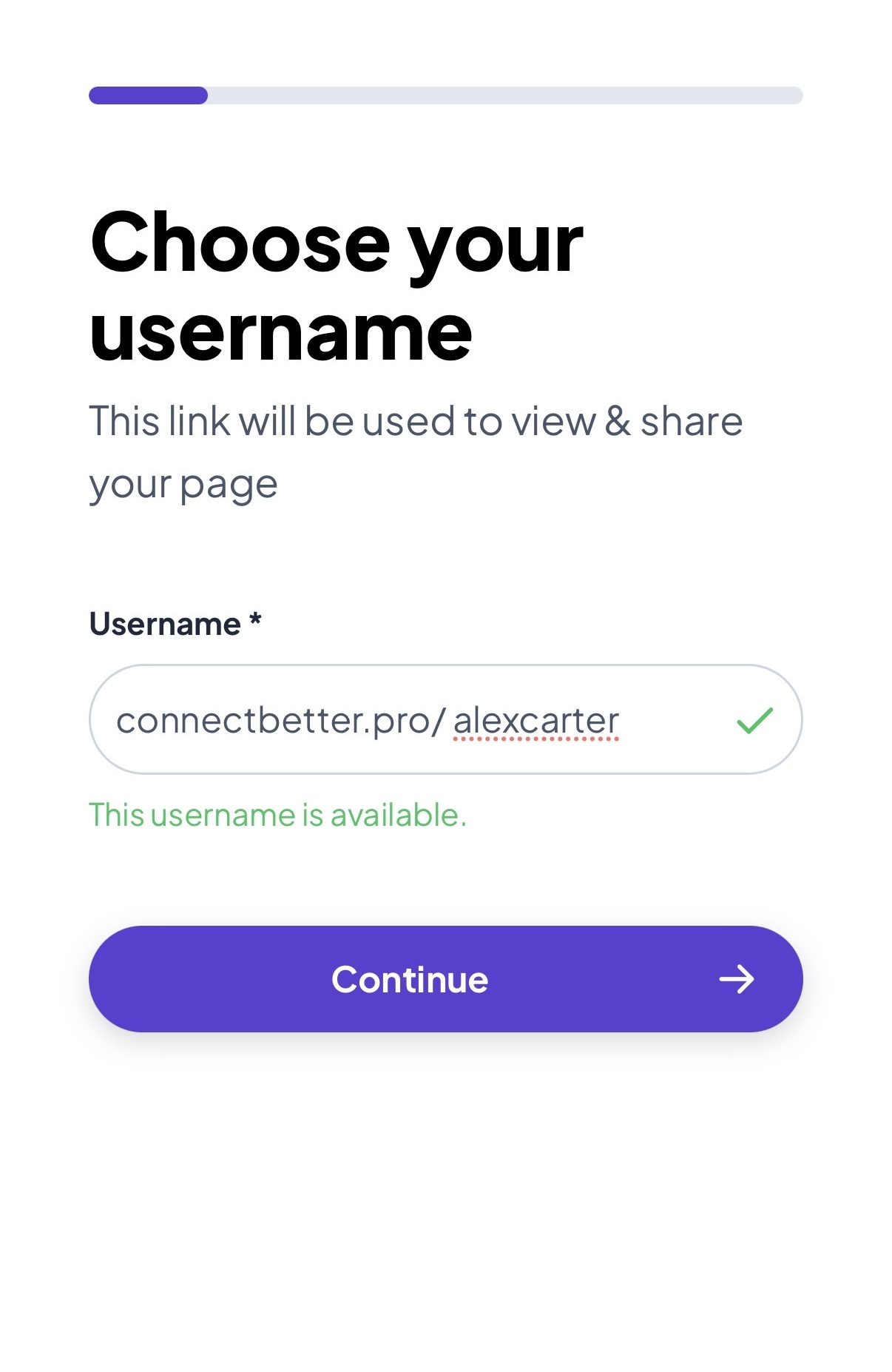
Pick a username
Pick something you can share as your public profile url.

Personal info
Name, headline, photo — so visitors know who you are.

Contact methods
Email, phone, or messaging apps — how people reach you.

Social links
Add the platforms you use and love.

Custom links
Portfolio, booking, newsletter — add more anytime.

Choose your theme
Pick a look. Change & customize it in the editor.
☝️ In a hurry?
Tap ⚡️ Super-skip all onboarding steps on any step to jump to your dashboard. Fastest on record: 30 seconds.
Top things to do next
Edit, share, measure, and follow up from one place.
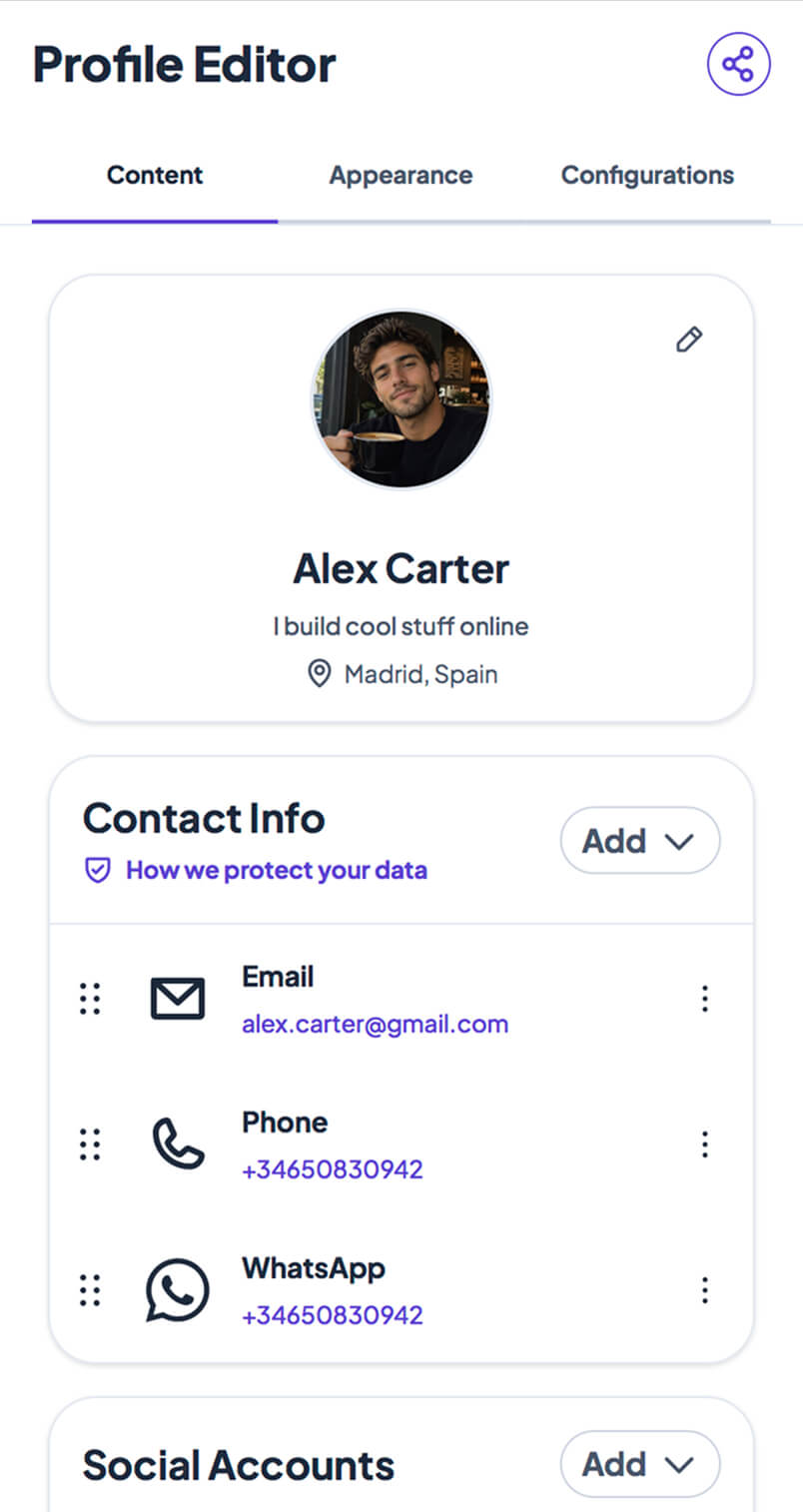
Update your profile
Content, theme, vCard, lead capture — updates sync instantly.
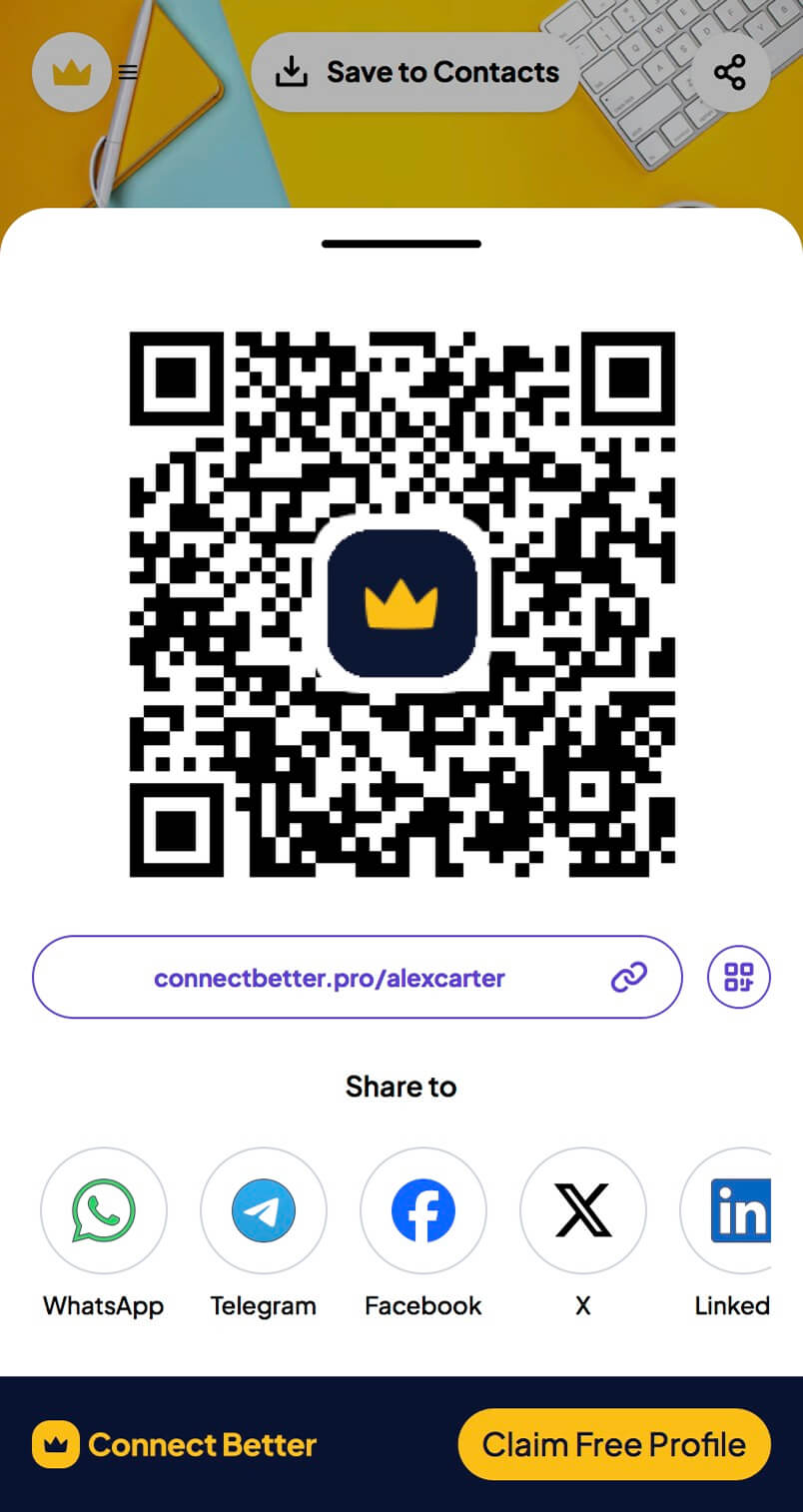
Share your profile
Link, QR, or NFC tap. Visitors need no app.
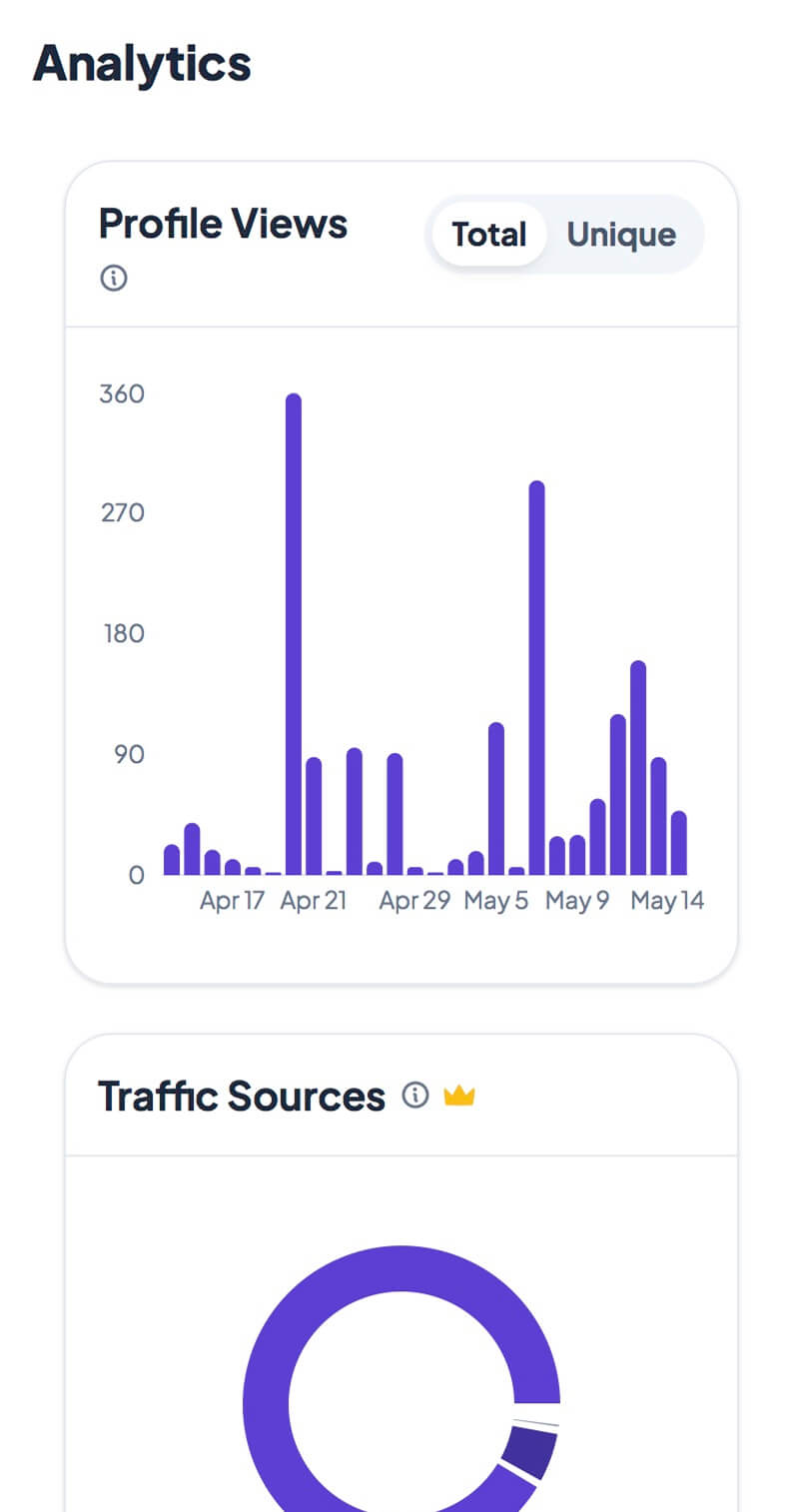
Track everything
Views, taps, scans, clicks — know what landed.
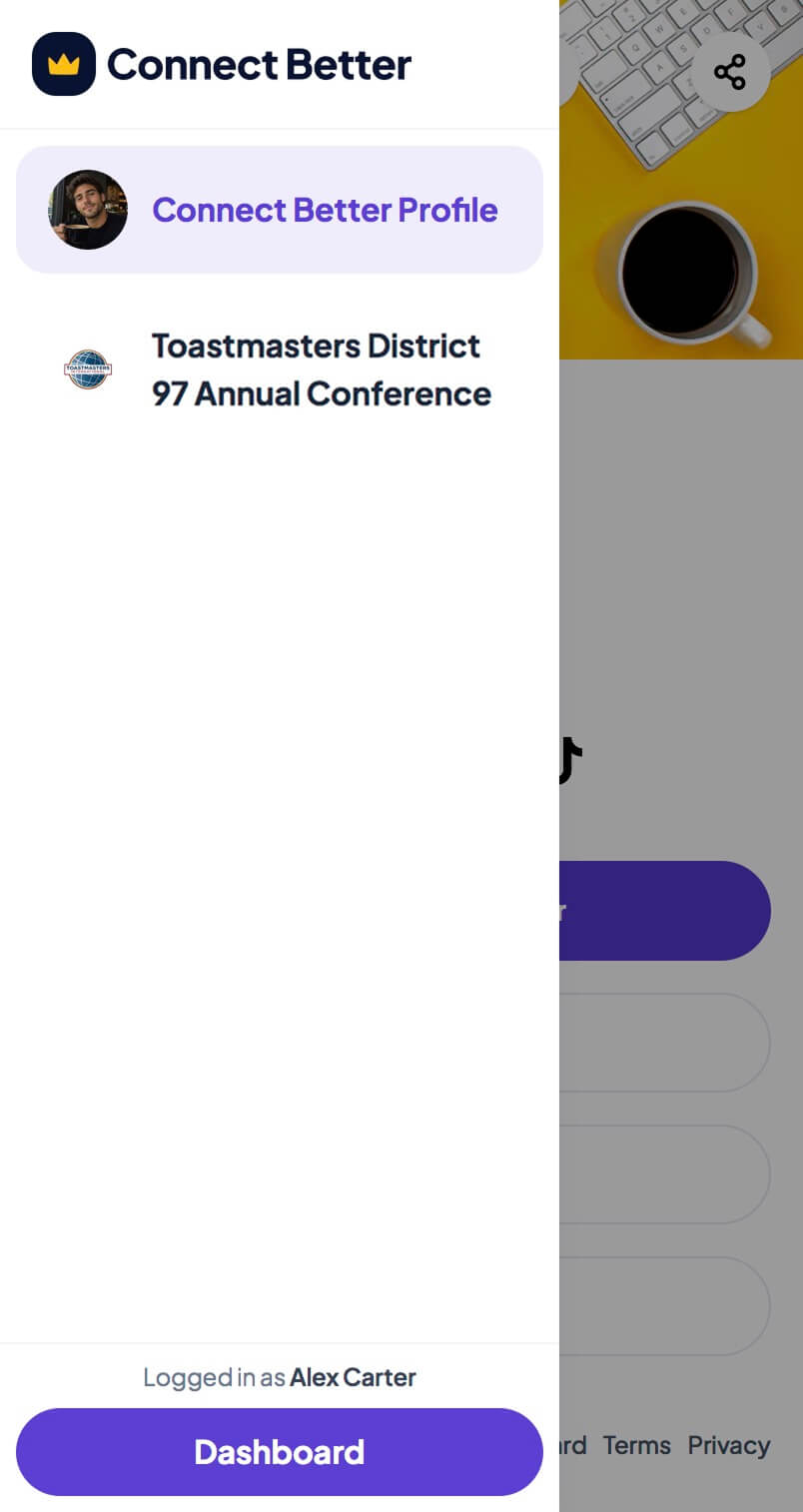
Access your events
Switch between profile and event mode. Agendas, offers, and more.
Tips
Make 'nice to meet you' stick
Write a headline that says who you help
Try “I help founders close their first 10 enterprise deals” over a job title.
Use a clear, recent photo
A clear, recent headshot gets more engagement.
Set one primary call to action
Book a call, read your work, download a resource — pick one and lead with it.
Test in an incognito window before sharing
Open your URL in incognito to see what first-time visitors see.
Keep your contact info current
Change it once — everyone with your link stays up to date.
Add your profile link to email signatures and social bios
Start with your email signature and one social bio.